How to edit reaction videos
Learn how to create a reaction video for YouTube or social media for free using a...
Create YouTube Shorts with trendy video templates, graphics, captions, and AI video editing tools.
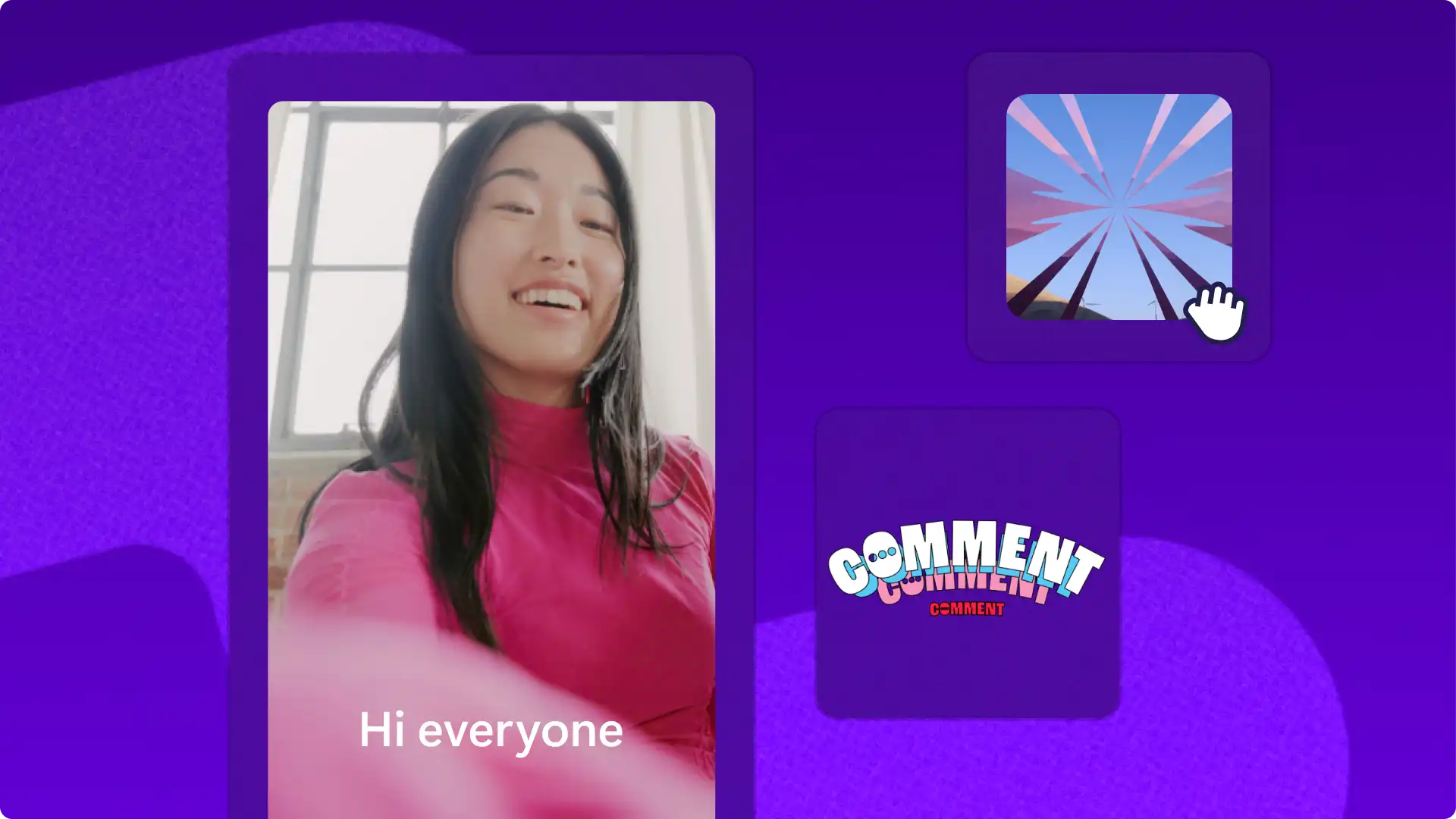

Make original video clips or choose copyright-free stock media and video templates to make eye-catching YouTube Shorts. Find templates for short vlogs, travel videos, and even business promos. Complete editing with text, music, and a YouTube channel logo.

Convert widescreen videos into vertical videos in a click with the video resizer. Maximize content reach by trimming videos, combining clips, and using 9:16 aspect ratio preset. Resize existing YouTube channel videos to create Shorts, channel teasers, and highlight videos without losing quality.

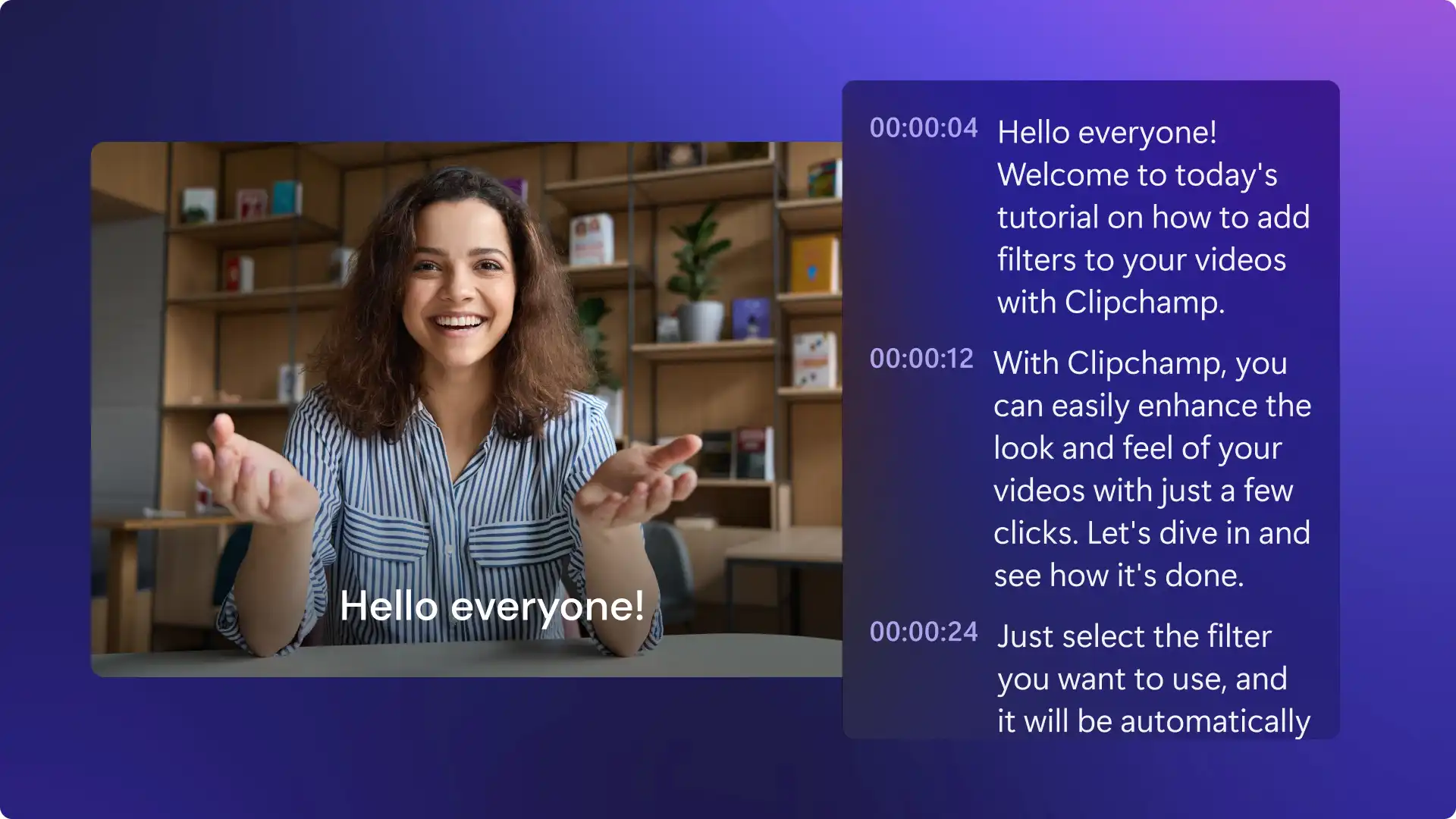
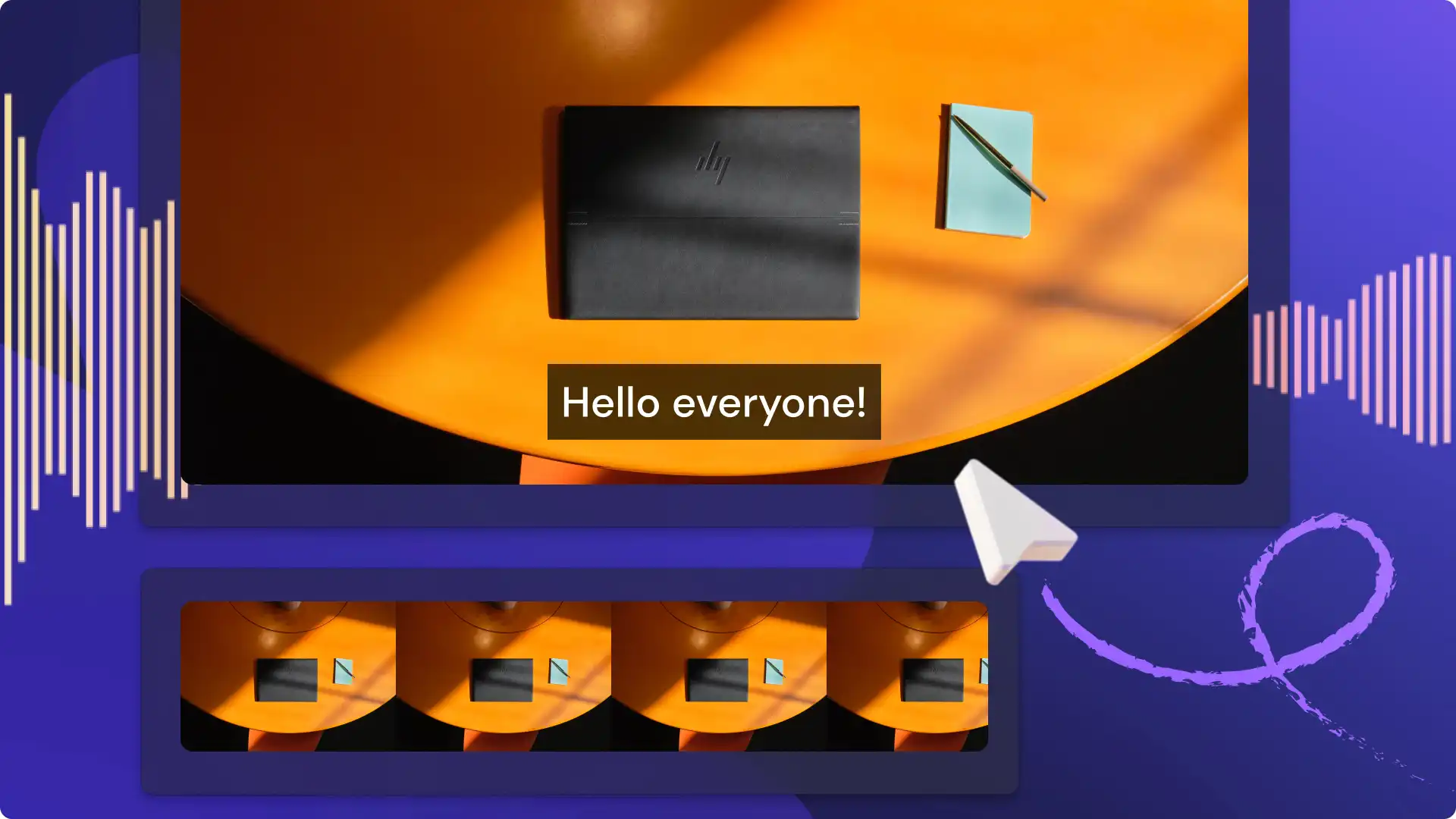
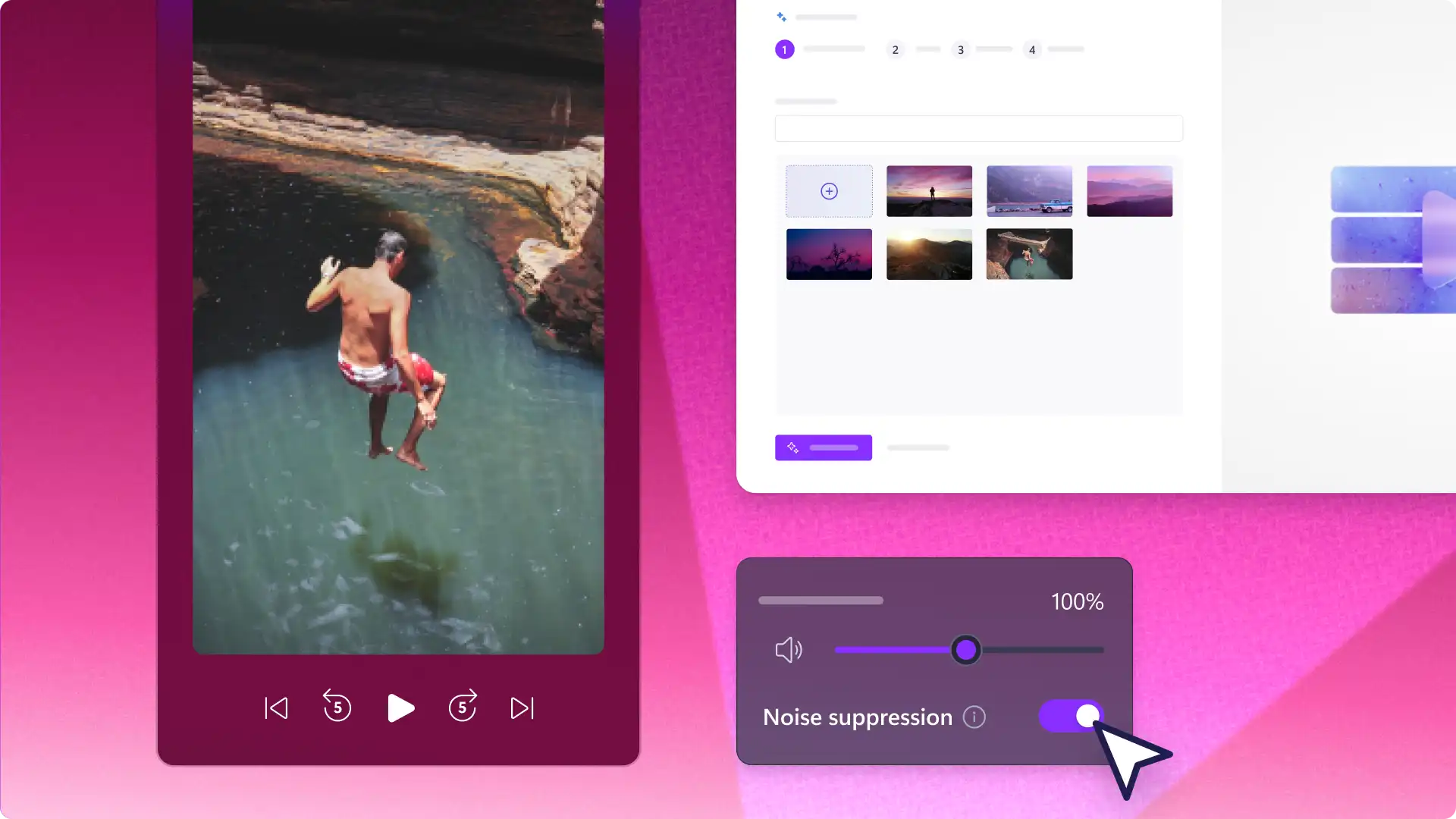
Add photos and videos, pick a video style and generate a polished AI video for social media with auto compose. Narrate Shorts with realistic AI voiceovers, or remove video background noises with AI noise suppression. Engage viewers with automatic subtitles in bold fonts.
Choose niche templates for creators, marketing, business, and faceless AI YouTube channels.
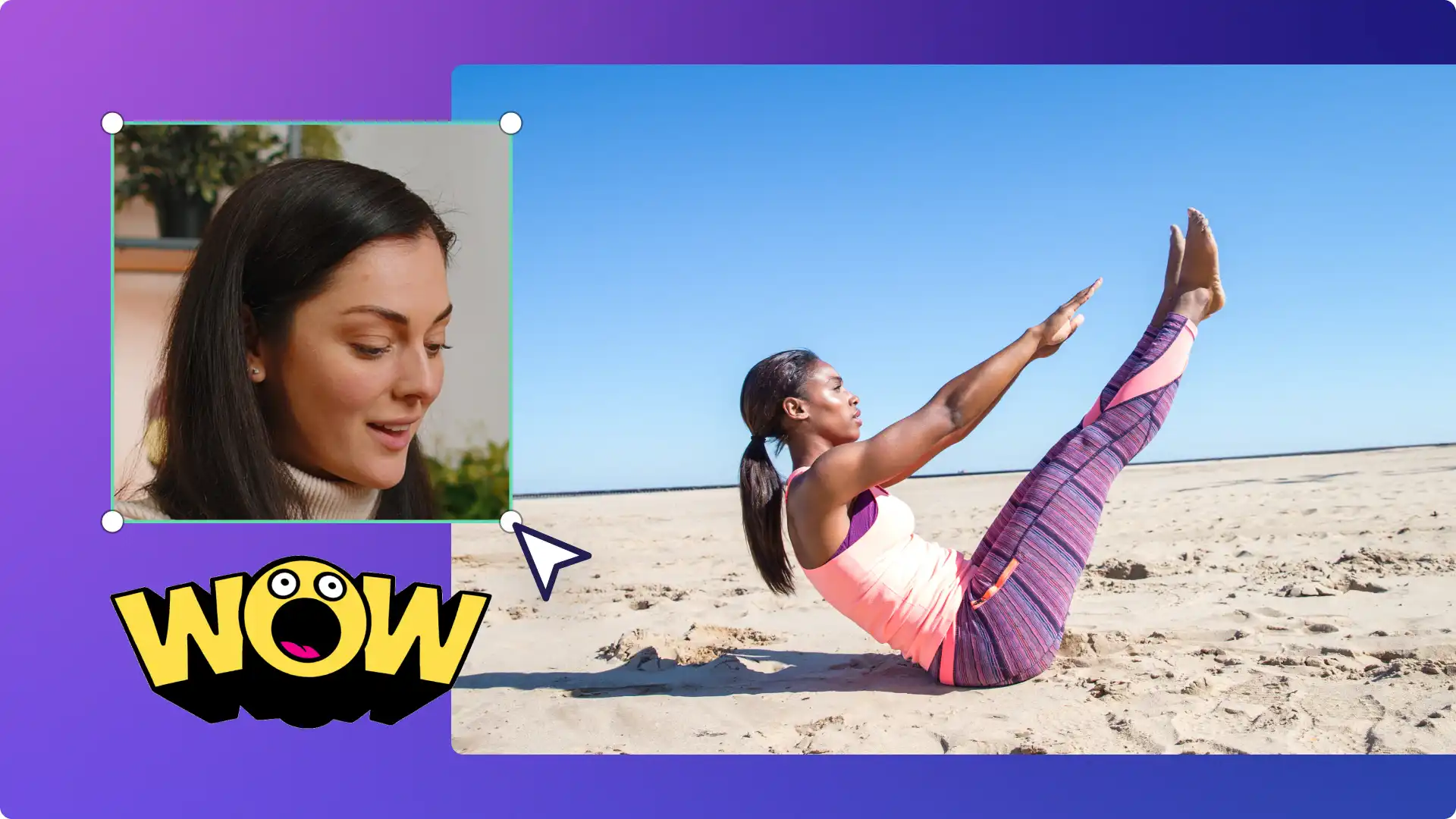
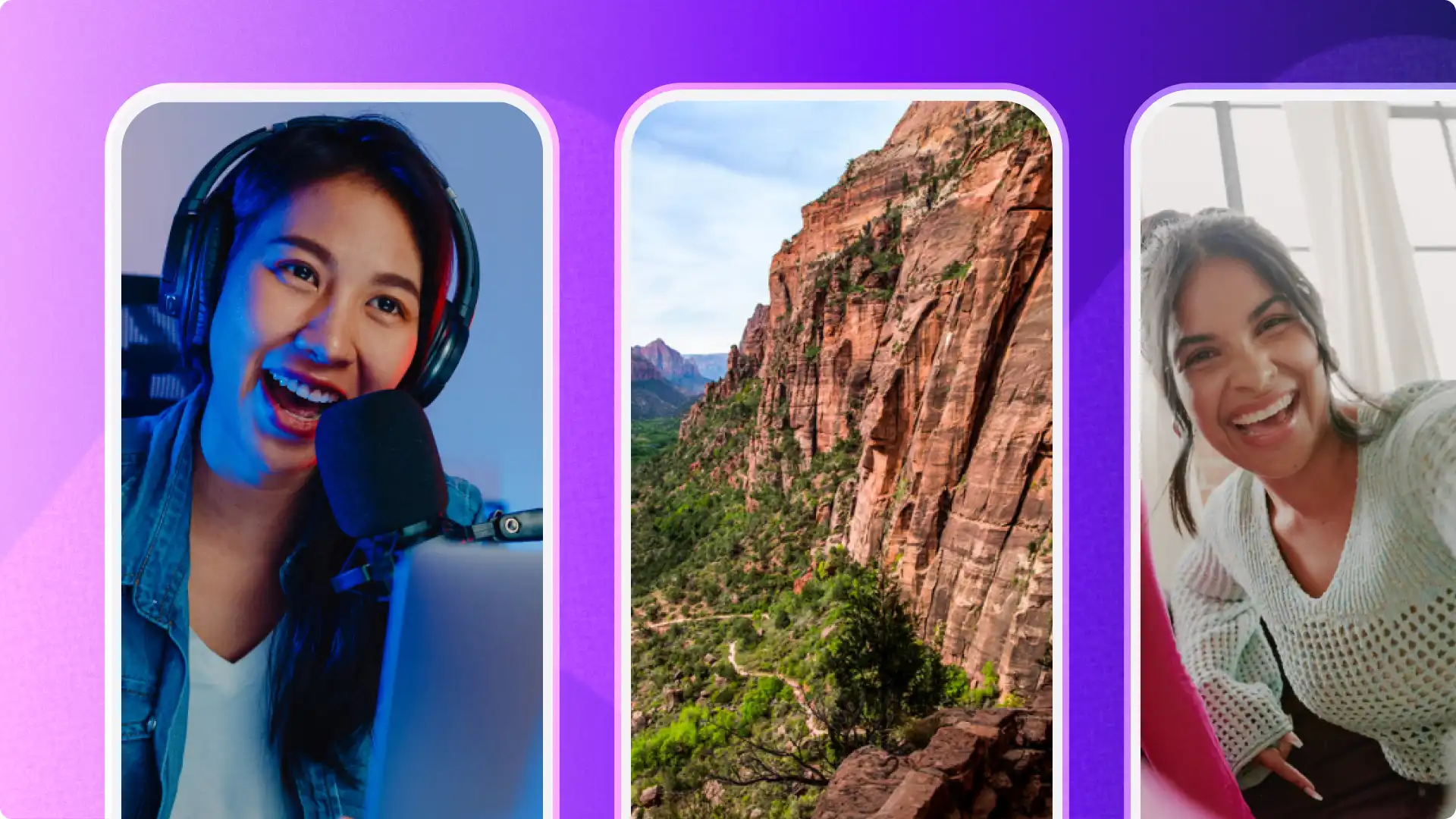
Overlay a webcam recording to create lifestyle vlogs, reaction videos, and podcast clips.
Turn lengthy videos into engaging Shorts without losing video quality using the size button shortcut in a click.
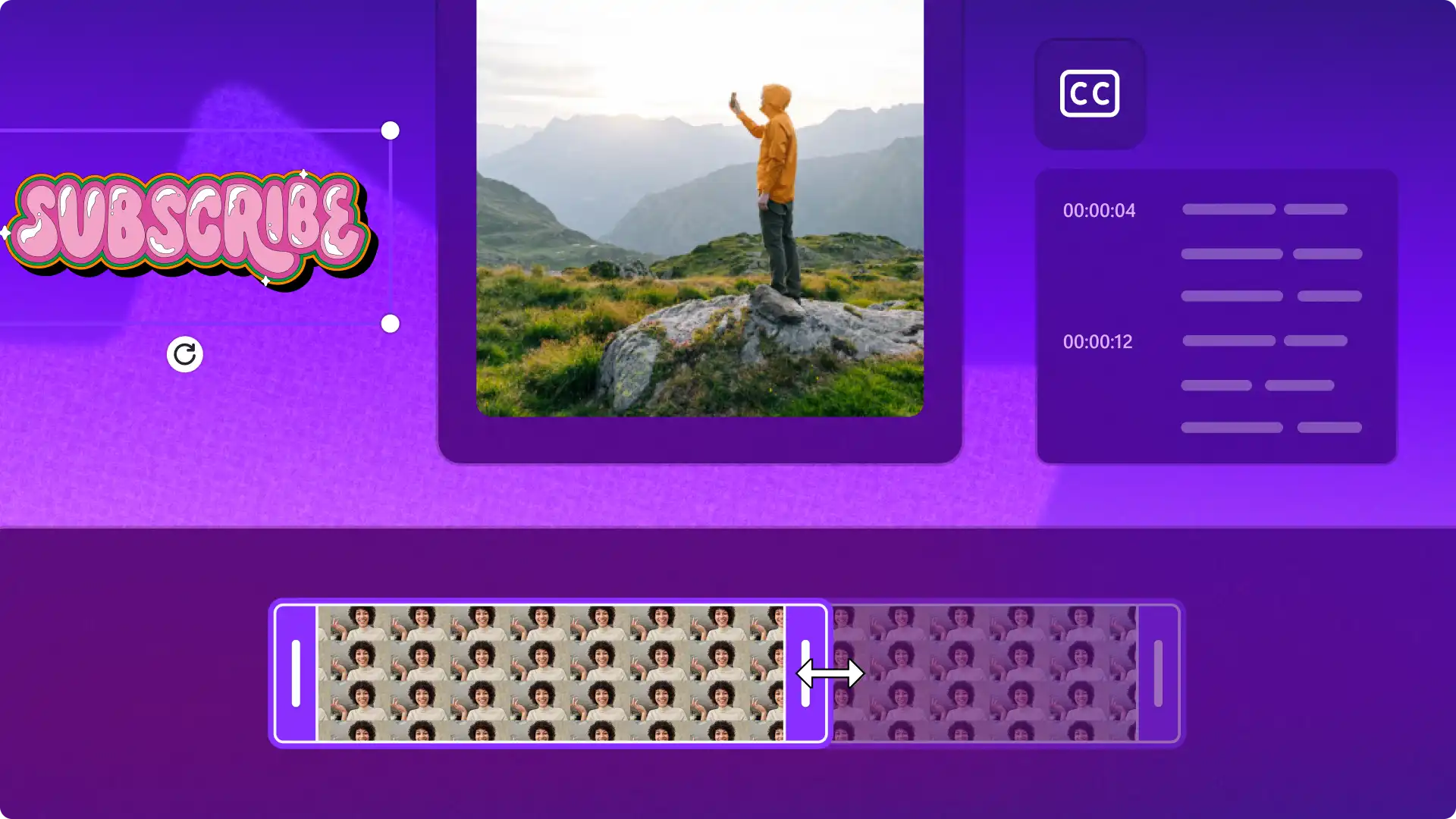
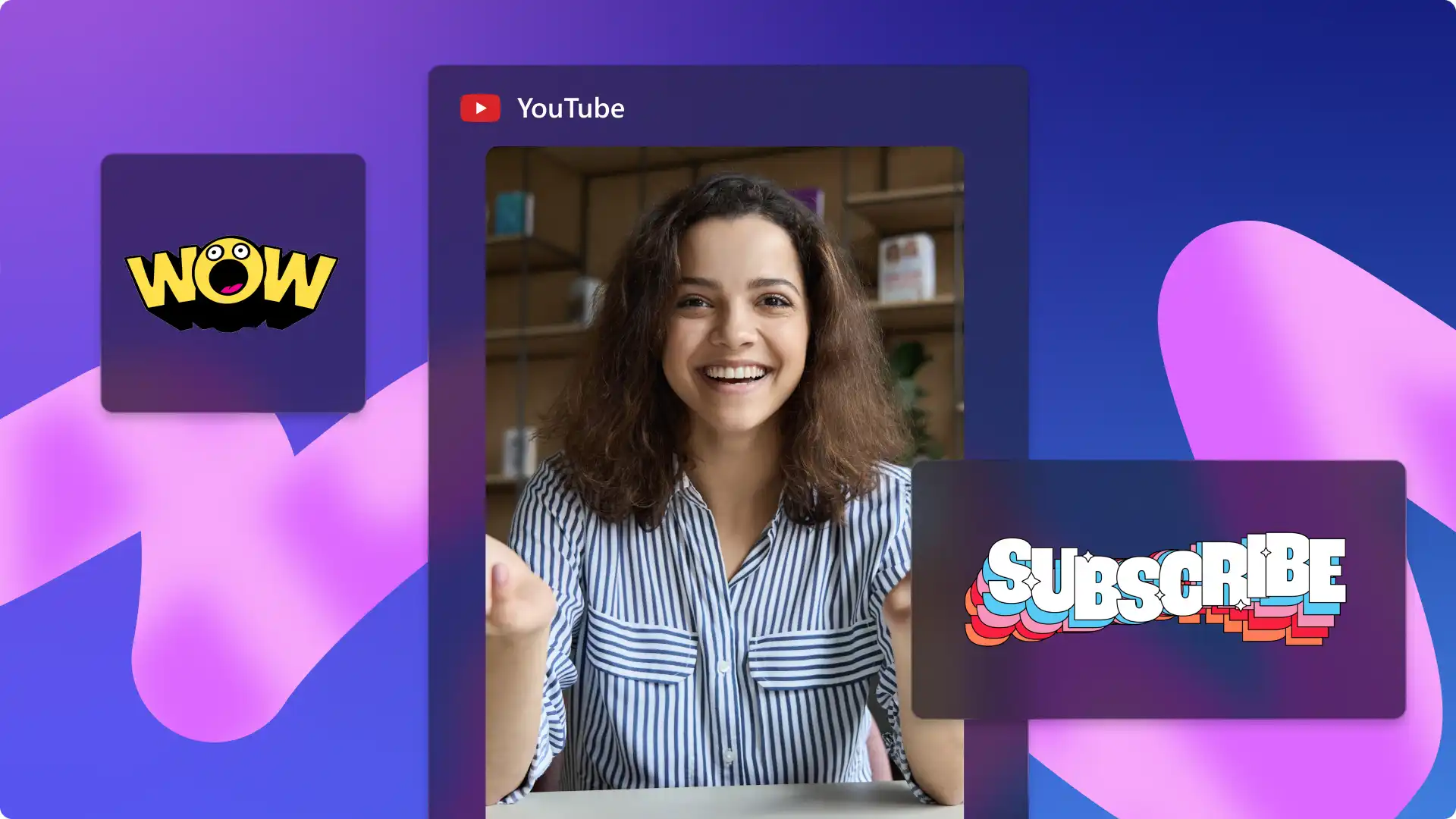
Boost engagement with like and subscribe animations and bell icon pop-ups.
Add humor with trending GIFs or use funny sound effects to create extra video impact.
Choose cool social media icons to show YouTube, Instagram, and TikTok account names to help followers.
Tidy video footage with AI auto cut or generate a dynamic video with the AI video editor.
Automatically remove background noises in Shorts footage recordings and generate subtitles for easy viewing.
Make high quality AI voiceovers in any language for travel videos, recipe videos, and other formats.
Browse short video templates designed to make a great impression in the Shorts feed.
Drag, drop, and customize video elements in a template with no need for video editing experience.
Find ready-to-edit formats for daily vlogs, before and after, holiday recaps, and product launches.

Read this step-by-step guide to learn how to create Shorts by customizing a Clipchamp video template with original media and b-roll, graphics, branding, and effects.
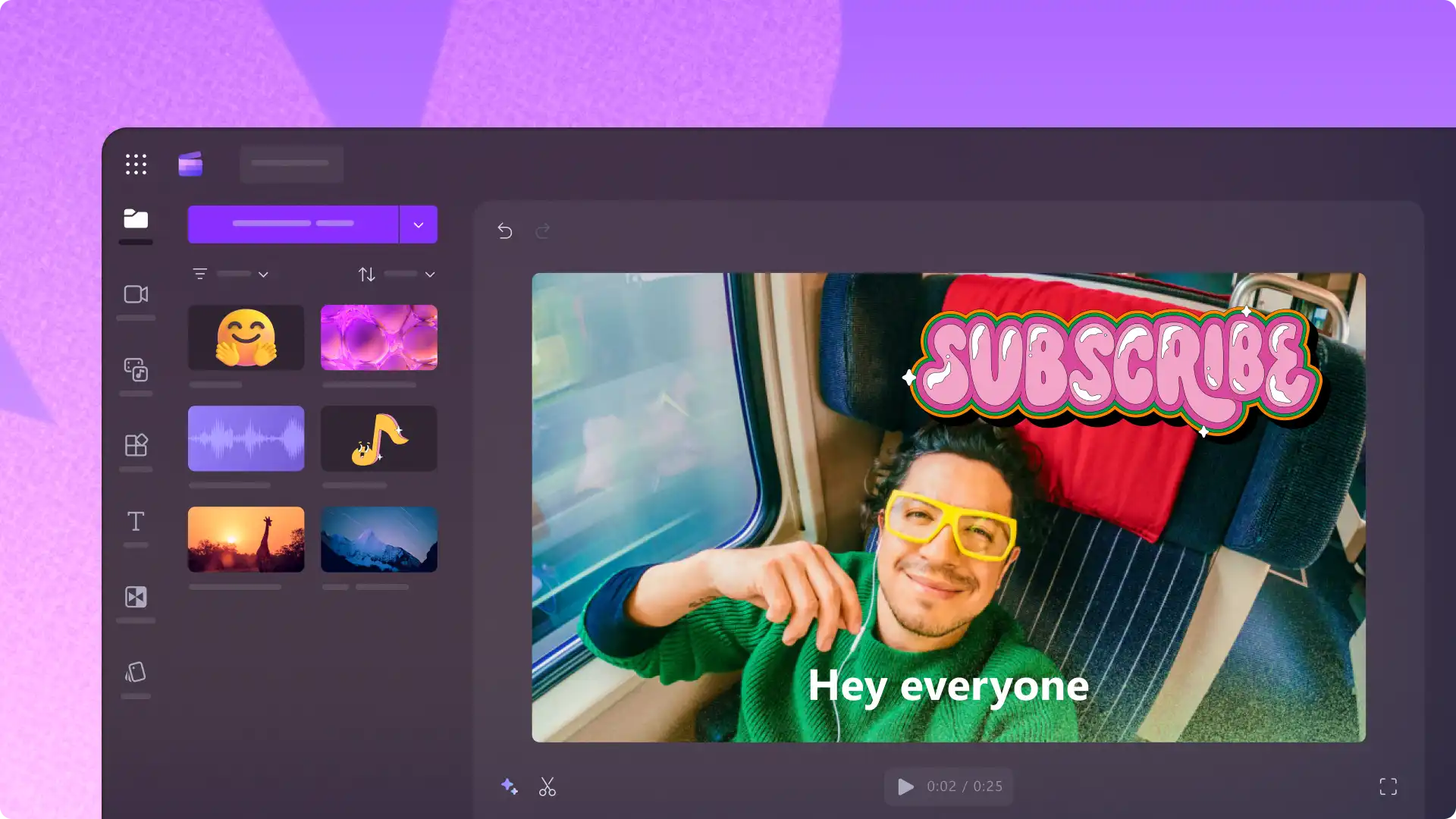
Continue learning how to create memorable YouTube Shorts and videos. Explore top tips, templates, YouTube intros, vlogs, reaction videos, and more with Clipchamp video editor.
Clipchamp does not add any audio or visual watermarks to videos on the free plan.
Clipchamp works in Microsoft Edge and in Google Chrome on desktop. Make sure to update the browser to the latest version before using Clipchamp video editor.
While it is possible to create a YouTube clip, not all background audio tracks are copyright-free and free to re-use on YouTube. Learn about copyright rules on YouTube and how to get permission to use a song in Shorts before publishing.